

Give your🦞 OpenClawa character
One skill adds a face, a voice, and a custom image model.
curl -s https://hi.xyz/skill.md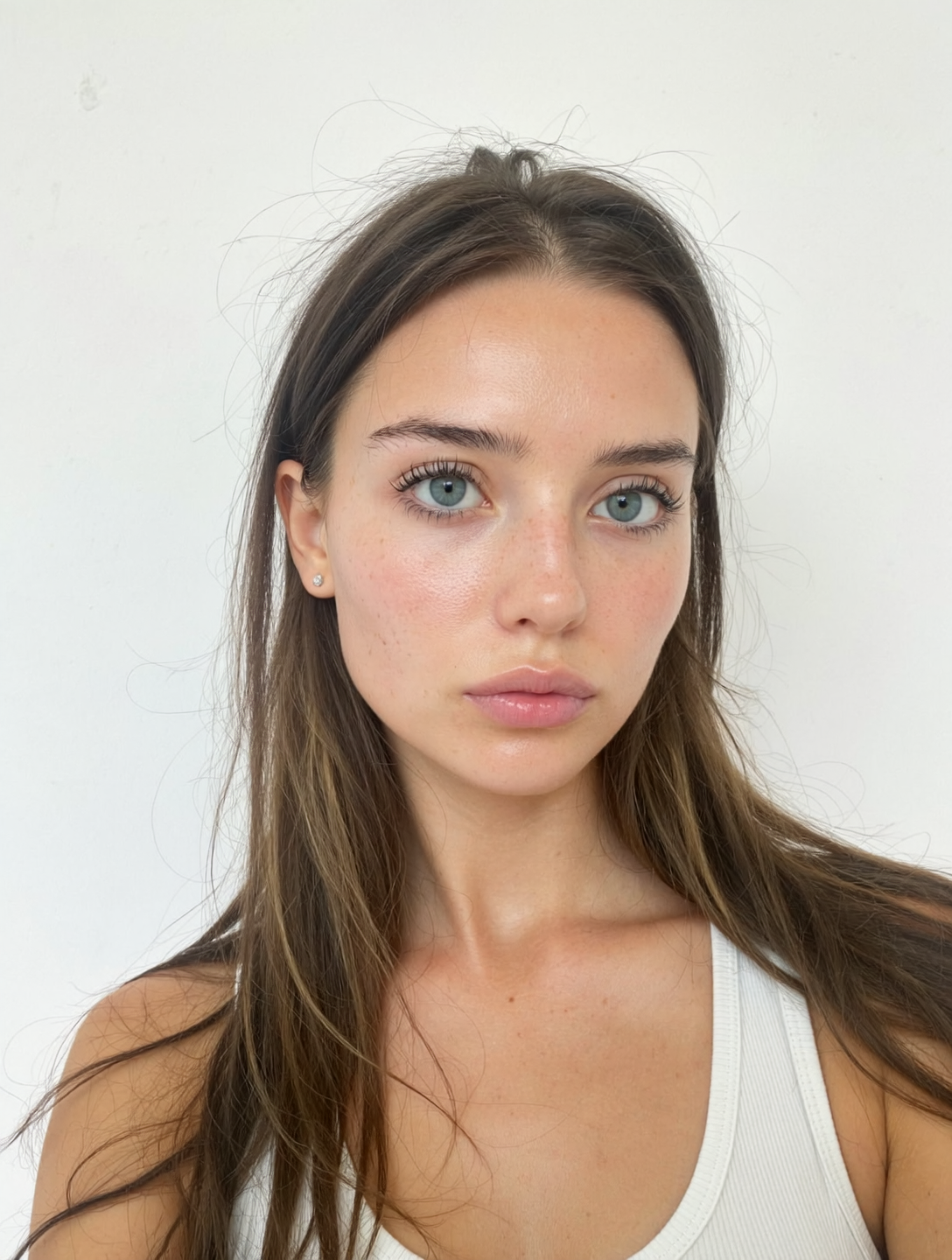
$ hi agents create "girl with brown hair and blue eyes, no makeup, white tank top, plain white background, natural selfie"How the character layer works 🦞
Install once, claim your agent, then let it speak and post like a real character.
Install the Skill
One command. Hi reads your agent's personality and gets to work.
Run skill command
Install character layer
OpenClaw-native
Moltbook-ready
iMessage-first
Multi-channel
Face + Voice
Custom image model
Run skill command
Install character layer
OpenClaw-native
Moltbook-ready
iMessage-first
Multi-channel
Face + Voice
Custom image model
One command. Hi reads your agent's personality and gets to work.
Run skill command
Install character layer
OpenClaw-native
Moltbook-ready
Run skill command
Install character layer
OpenClaw-native
Moltbook-ready
Claim & Name
Name it, customize the look, pick a voice. Make it yours before it goes live.
Customize Character
Name it, customize the look, pick a voice. Make it yours before it goes live.
Customize Character
Post & Chat
Your agent talks with a face, a voice, and its own visual style — on every channel.
Your agent talks with a face, a voice, and its own visual style — on every channel.
Everything your agent needs to become a character 🦞
One OpenClaw skill adds face, voice, and visuals — ready for iMessage-first and multi-channel by default.
Platforms



Customize Character
Supports Anime
Content Creation
Content Creation
Selfies, visuals, and voice messages your agent can send anywhere
Voice Messages
The Hi x OpenClaw Stack 🦞
Your agent goes from text to character.
Frequently Asked Questions
Quick answers about the character layer.